Sign-up and Setting up your Company
• After clicking sign-up enter your email address and choose your password.
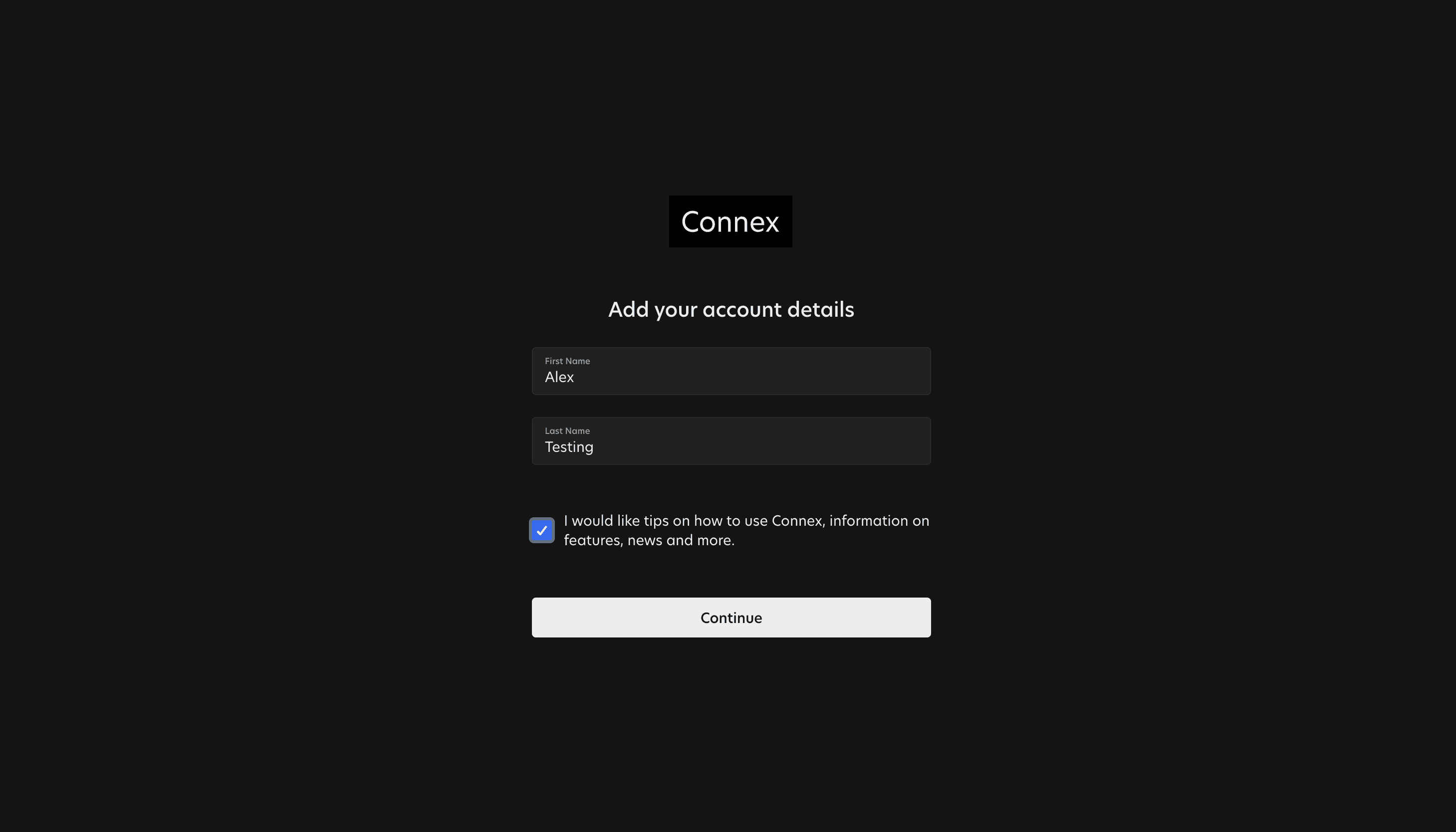
• You can also choose to receive updates about Connex directly to your email inbox.
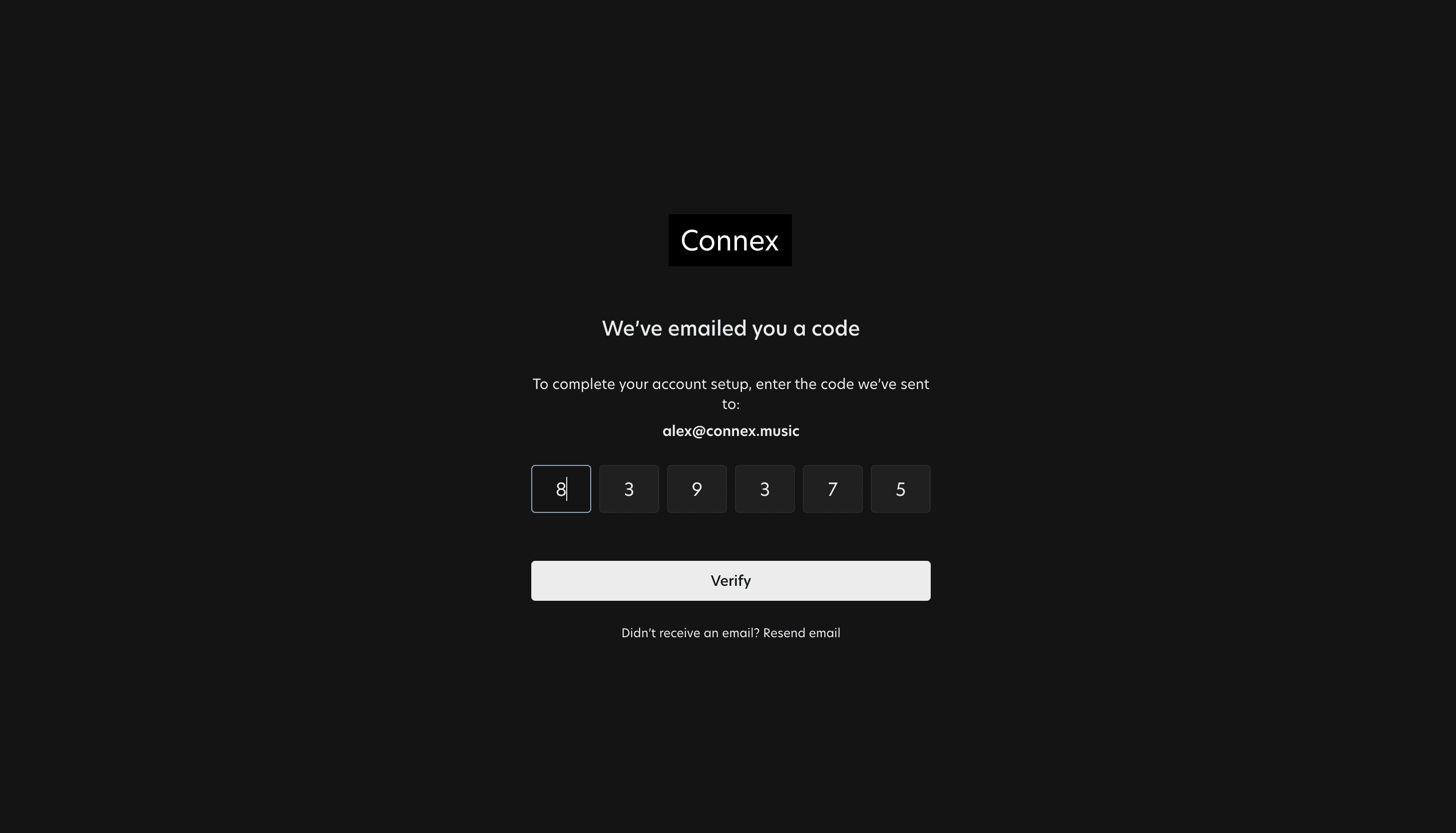
• You will then be sent a verification email and you will need to input the code into Connex.
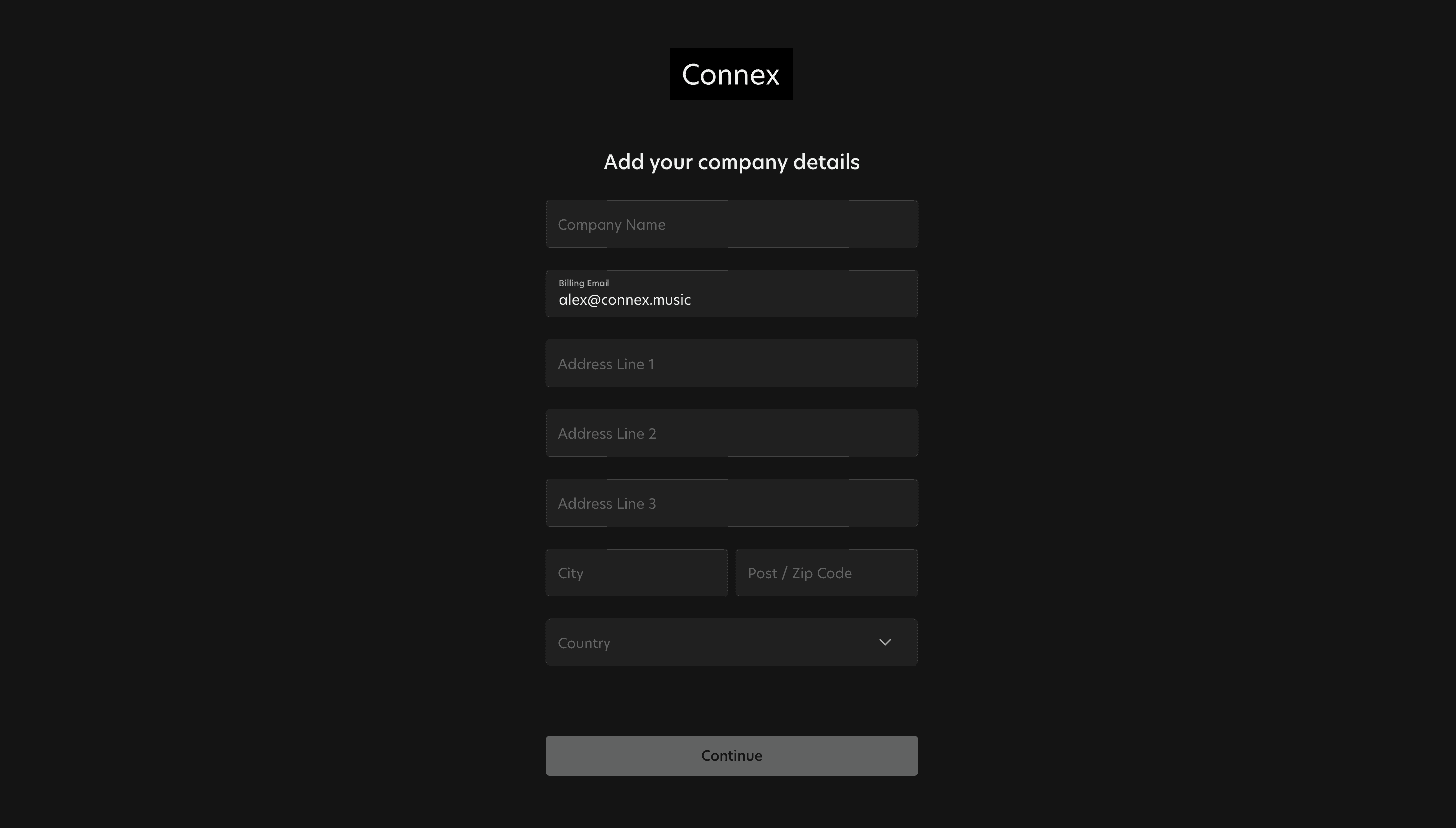
• You then need to input your company details.
Your admin Hub
Your Company serves as your secure and centralised entity within Connex, empowering you to:
• Effortlessly receive credit submissions from Creator tools directly into your Inbox.
• Efficiently create and manage Projects and Songs.
• Seamlessly expand your team by inviting colleagues to collaborate.
Streamlined User Management
There are two types of user within Connex, by setting up the company you automatically have full control
over who has access to spaces and projects within Connex.
• System Admin - Create and delete Spaces, invite and manage users, and control user access to Projects.
• Label User - Create and manage Projects and Songs within designated Spaces.
How to invite a user and set up their access level is described in the Inviting a User lesson.
Spaces - Tailored Control and Organisation
The Space feature provides granular User permissions and scalability, allowing you to create one or multiple spaces.
Each user must be assigned to at least one Space to create Projects and Songs.
You can structure Spaces to represent a Label, Geography, Team, or any organisational model that best suits your needs.
You can learn how to set up spaces in the Spaces lesson.